Fixing "Request Failed EOF" / "Secure Connection Failed" in the AUR
06/10/2025
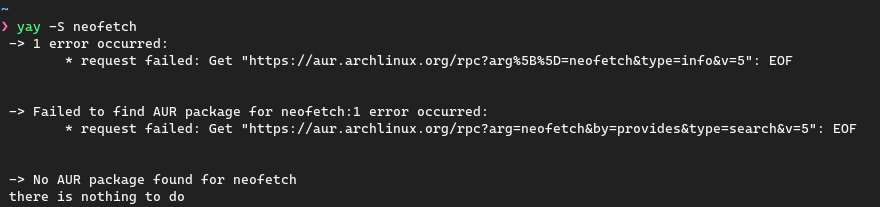
If you've ever used Arch Linux for the past few weeks, you may have encountered issues installing packages from the AUR.
Or you may have seen this when visiting https://aur.archlinux.org/
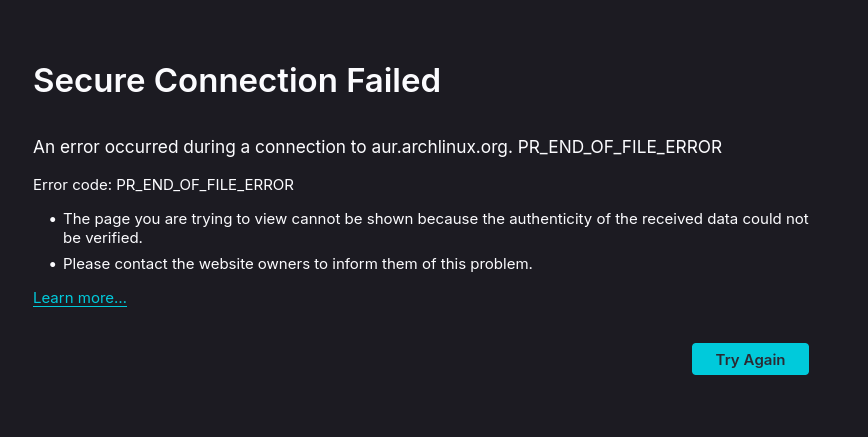
Why Is This?
Currently, the AUR is experiencing a DDoS attack.
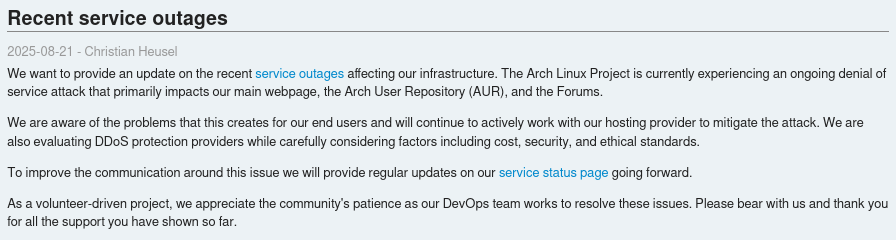
Source: https://archlinux.org/news/recent-services-outages/
Yeah that's about it. Why someone would DDoS the AUR of all places is up for speculation. Perhaps a Manjaro user.
The Fix
As outlined by Christian Heusel, Arch Linux maintains a GitHub hosted mirror for the AUR which currently is not down. Until you can regain access to the AUR, this will be your source for packages.
git clone --branch paru --single-branch https://github.com/archlinux/aur.git paru
cd paru
makepkg -si
Substitute paru for whatever AUR package you want to install.
These commands will clone the package from GitHub, build and then install it.
If this approach is tedious I've written a script that does this for you. I call it urap.
#!/bin/bash

# a bash script i wrote becuaes the aur kicked the bucket
# use when your aur helper doesn't work

if [ -z "$1" ]; then
echo "no argument provided"
echo "usage: ./urap package"
exit 1
fi

echo -e "\033[33;1mDownloading package\033[0m"

if [ -d "$1" ]; then
  echo "Directory $1/ already exists"
  exit 1
fi


git clone --branch $1 --single-branch https://github.com/archlinux/aur.git $1 > /dev/null
if [ $? != 0 ]; then
  echo -e "\033[31;1mFailed to download package\033[0m"
  exit 1
fi
cd $1

echo -e "\033[33;1mBuilding package\033[0m"
makepkg -si

echo -e "\033[32;1mInstalled package successfully!\033[0m"
cd ../
rm -rf $1
I've put this script in my PATH and I'll be using it going forward whenever the AUR is down.
If you are curious about the status, you can visit https://status.archlinux.org/
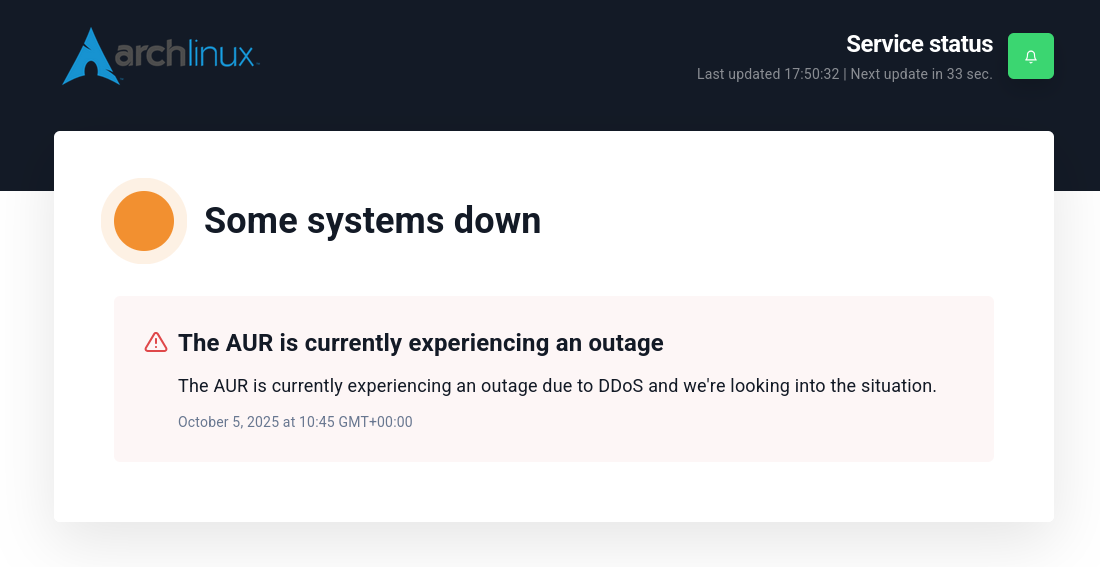
As of writing the AUR is down but should be up soon.
Until the DDoS attacks stop, expect intermittent behaviour from the AUR and I'll be expecting to use urap many more times.